Skip to content
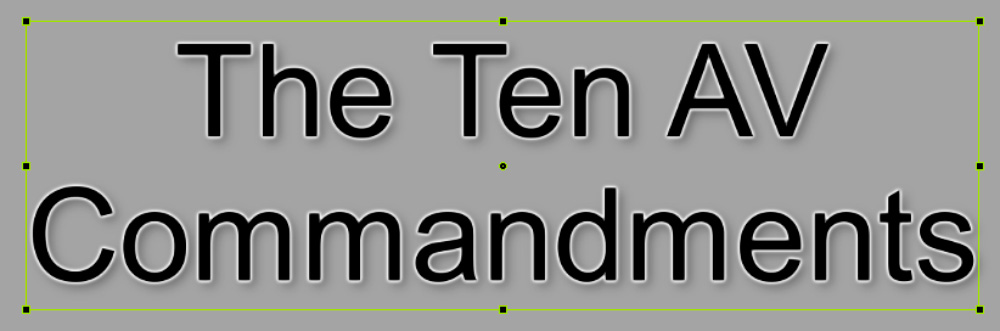
Stroking Text in PTE AV Studio
Contents
Applying a Stroke Line to Text in PTE AV Studio
- Enter your Text in the usual way in Objects and Animation and (in Properties) click on Text Shadow / Customise (Arial Font used in the example)
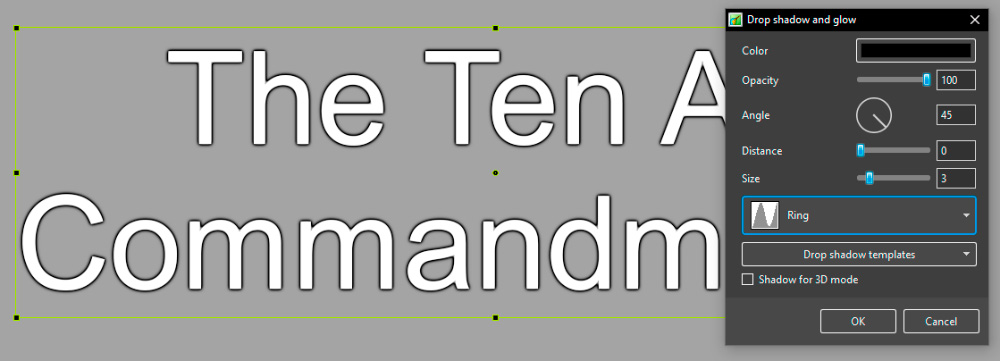
- Select "Ring" as the type of shadow from the dropdown menu as shown below
- Make the settings as shown - the "Size" parameter will control the thickness of the stroke line
- There are limitations on the size parameter, but 3 pixels seems to work OK
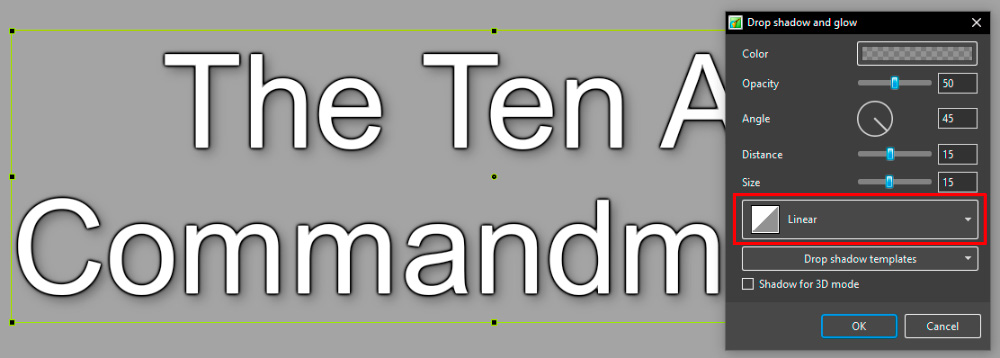
Adding a Shadow to the Stroked Text
- Copy and Paste the Stroked Text so that you have two versions overlying each other
- Select the "back" version and apply the suggested settings in Text Shadow / Customise
Reversing the colours of the front Text layer