Skip to content
Create a Dynamic Shadow
- Add your Image
- Set its Opacity to Zero
- It can now be used a FRAME for adding other Instances of the same Image
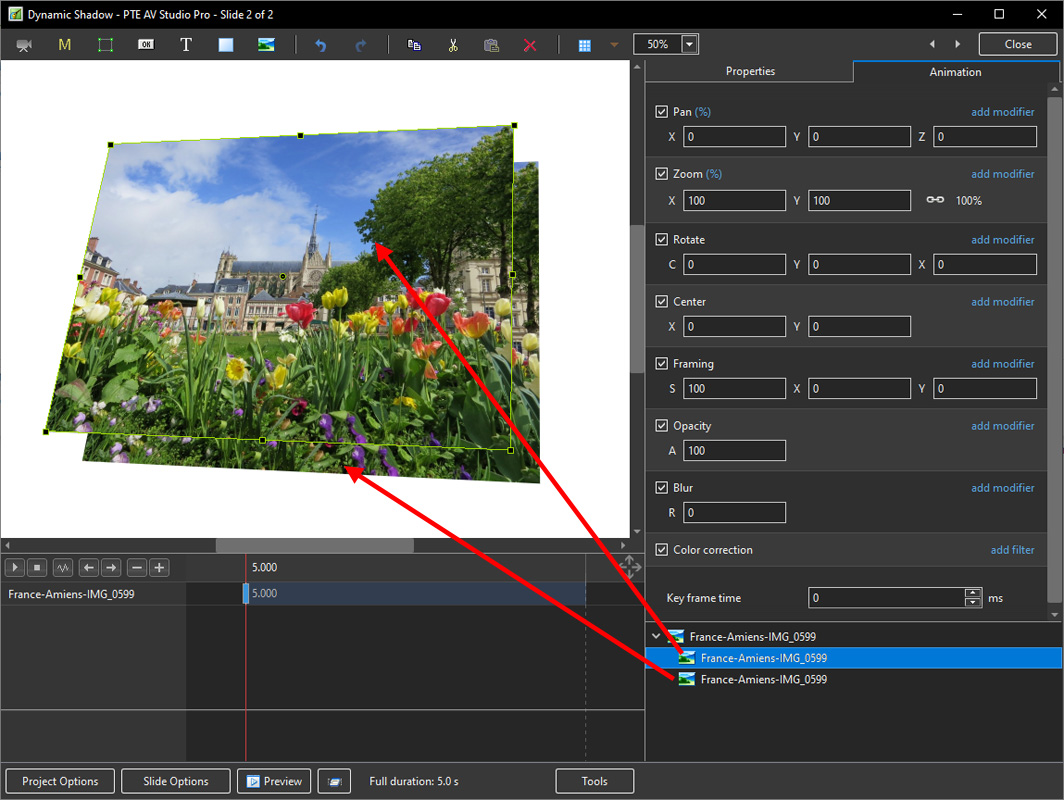
- Add two more instances of the same Image to the FRAME IMAGE
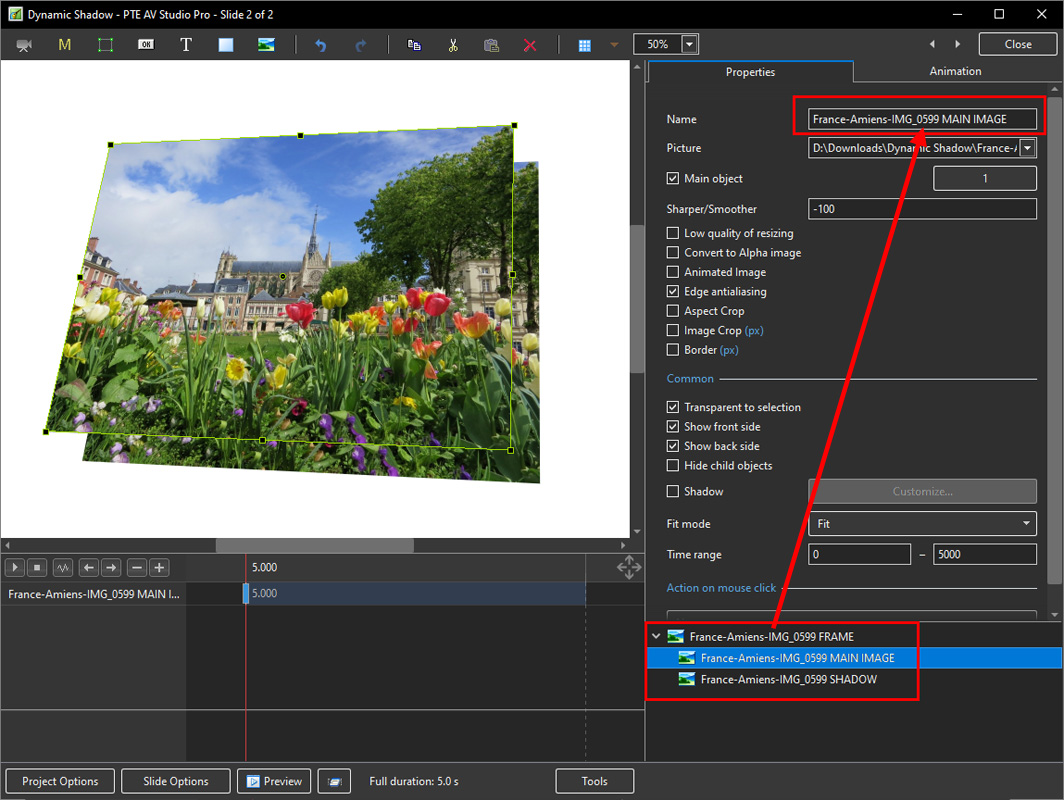
- The three instances of the Image can be renamed:
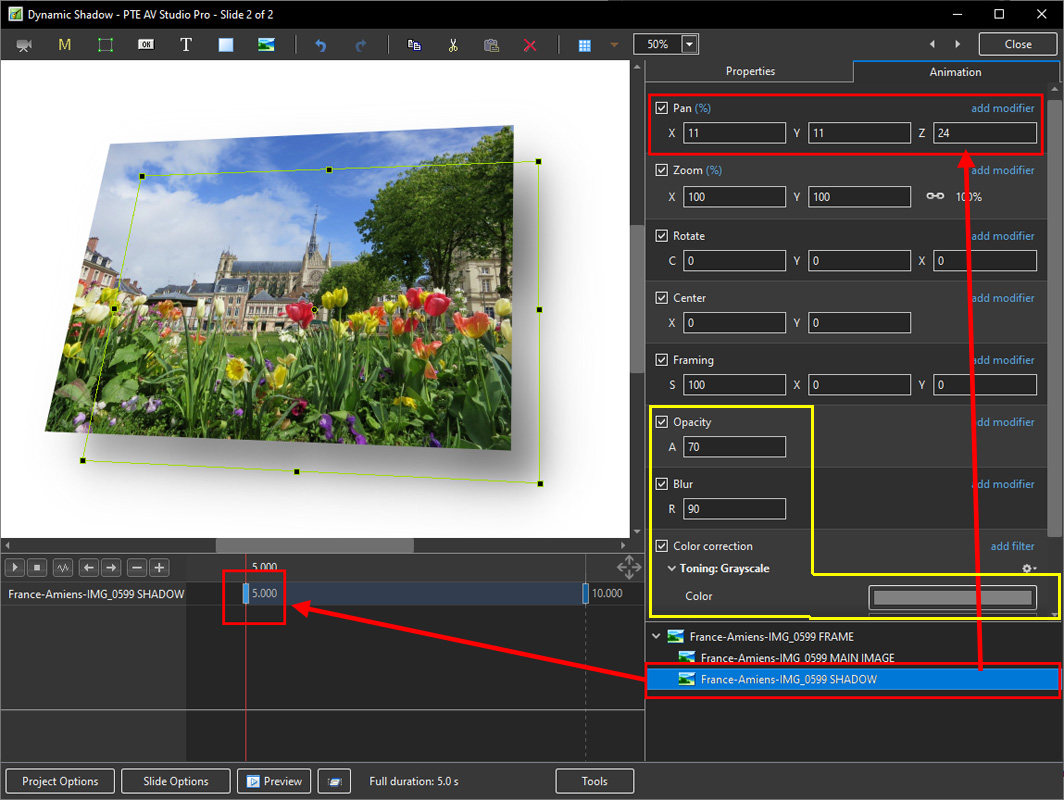
- Add a (Toning: Grayscale) COLOURISATION Step to the SHADOW Image and adjust its OPACITY and BLUR to taste
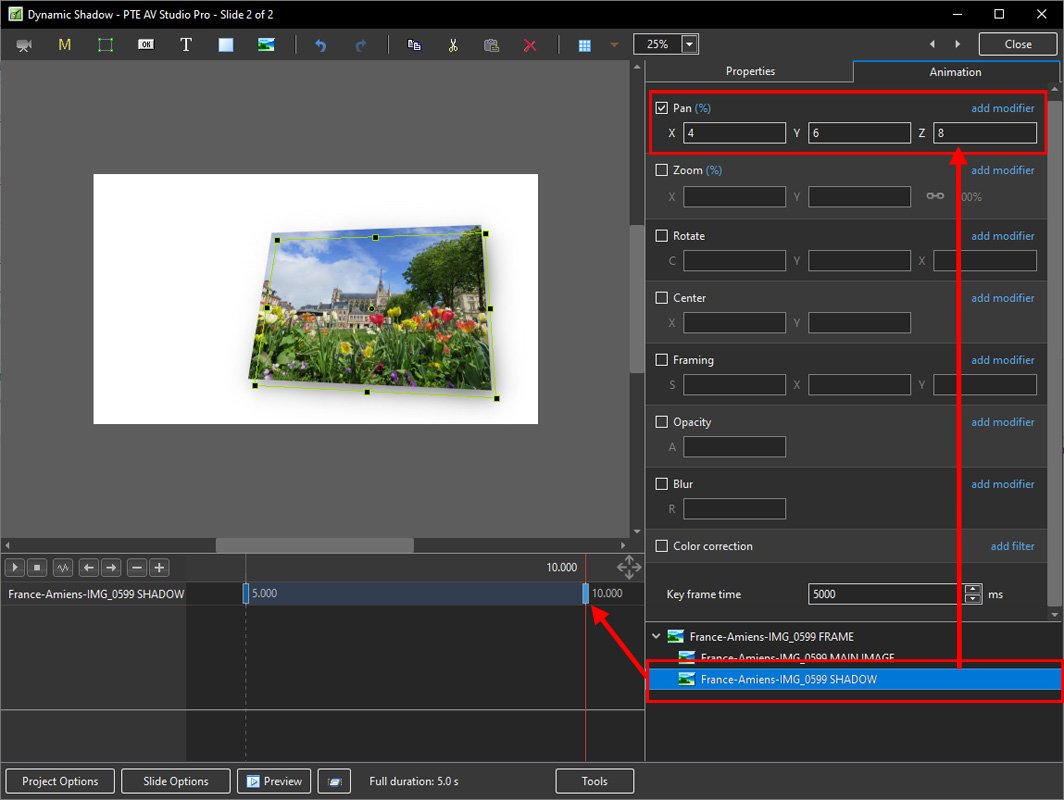
- The Initial Position of the SHADOW can be adjusted in the PAN Settings
- Add a Key Frame to the FRAME and SHADOW Instances of the Image
- Animate the Image by means of the FRAME
- Adjust the FINAL Position of the SHADOW by the PAN controls