Skip to content
Create Custom Transitions
- To Enter the Custom Transition Effect Window click on the AB symbol in a slide or:
- Click on Project Options / Transitions
- Then click on the Manage Transitions button
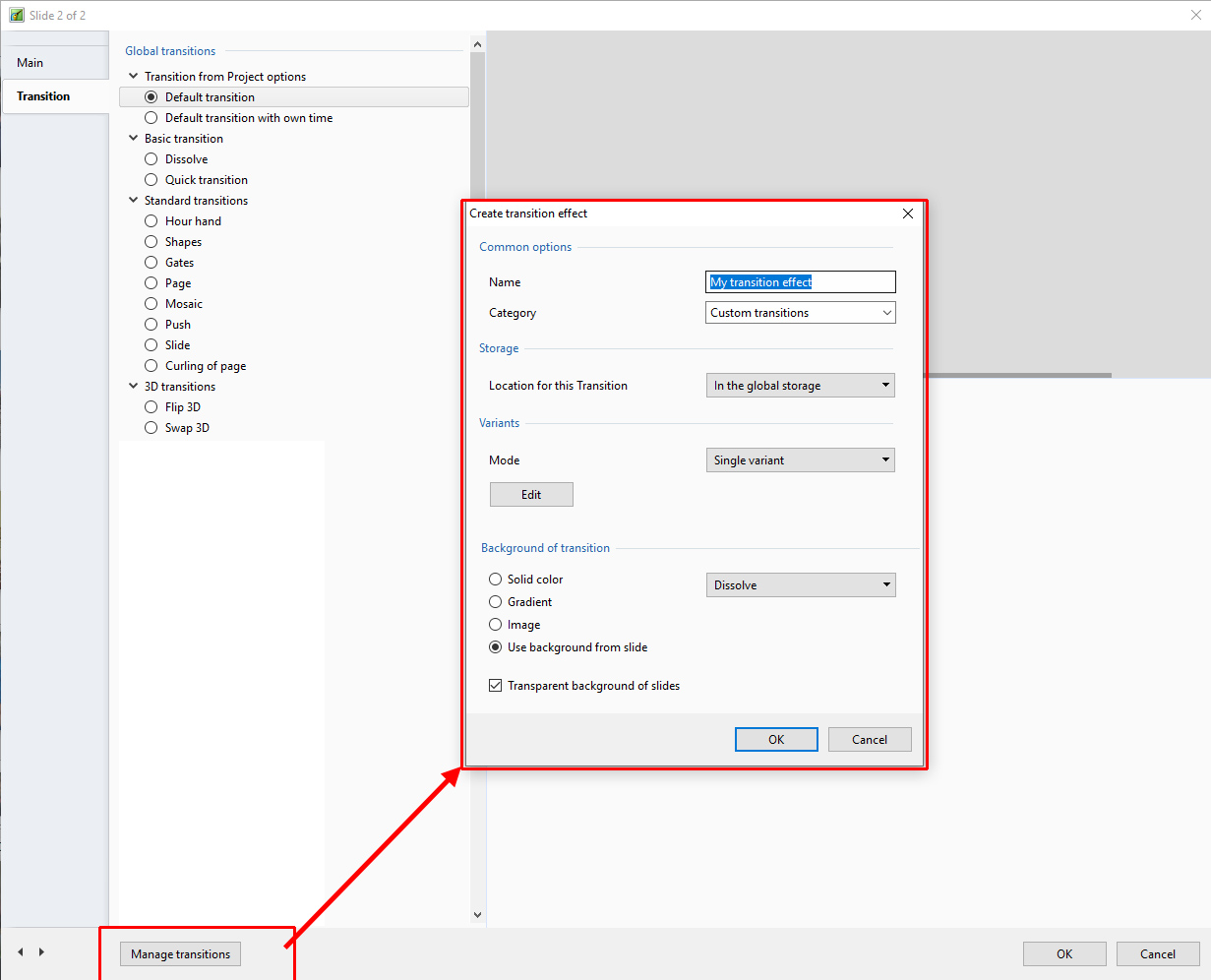
- Give the Transition a descriptive name
- Choose an existing Category or Type in a New Category Name
- Next, choose a Variant
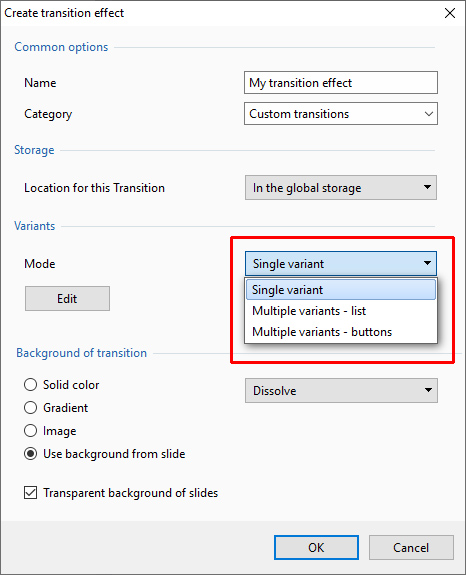
- E.g. Multi Variant - List
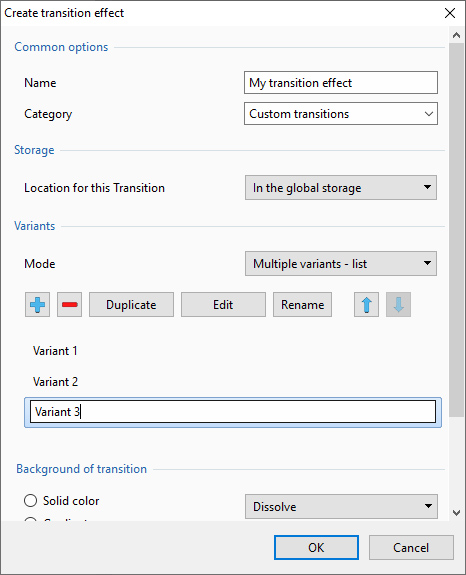
- Click on "+" to add a Variant
- Click on "-" to delete the selected Variant
- Click on "Rename" to give the Variant an appropriate Name
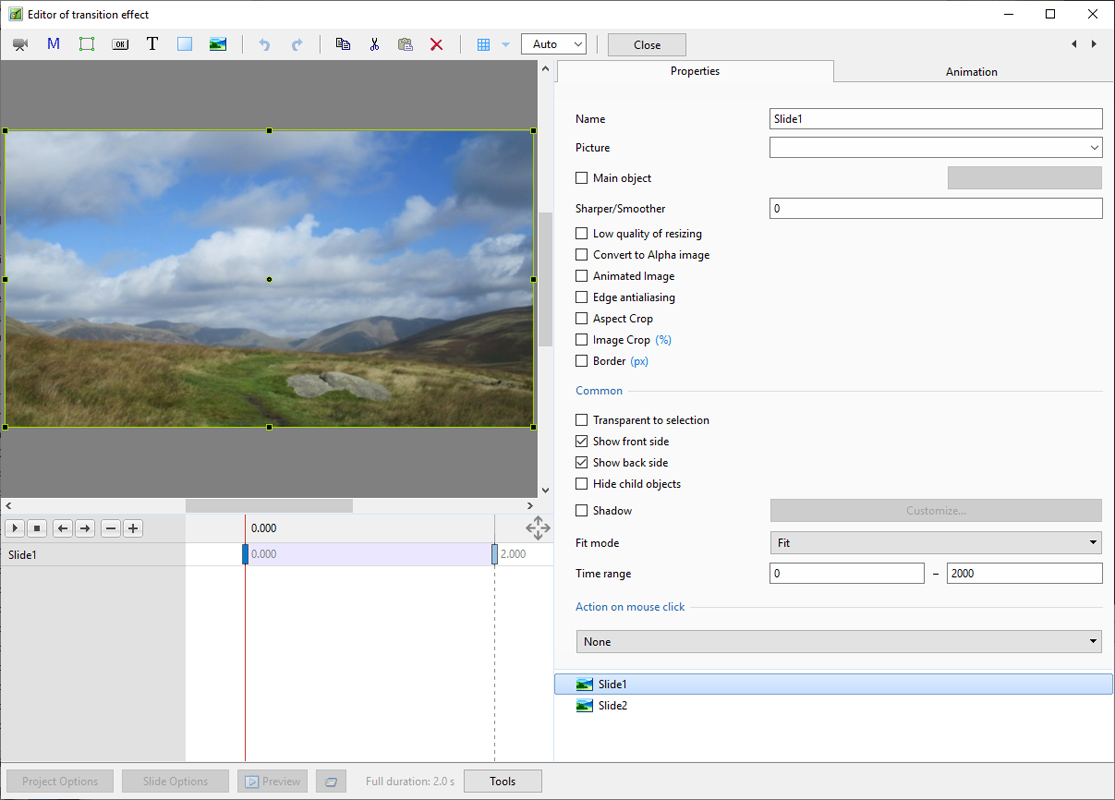
- Click on "Edit" to enter the "Editor of Transition Effect" Window